
A platform designed to help traveling nurses find jobs, feel connected, and navigate contracts with less stress so they can focus on patient care.
Project Overview

Problem
Design a mobile app to control an underwater drone that had over 3,000 pre-orders, ensuring the experience was intuitive, reliable, and easy to use for a wide range of users.
Goal
Business
-
Design controls that feel intuitive for beginners but powerful enough for commercial use
-
Define an MVP foundation that can scale with future features and user needs
Users
-
Quickly capture and share underwater footage
-
Always know the drone’s orientation and direction
-
Clearly understand battery status and remaining time
My Role
My design team and I led user testing both with and without the physical drone, partnering closely with engineering throughout the process. I designed and built the MVP prototype, which was used for future testing and helped significantly reduce development time.
See the Drone in Action
Footage captured during our user testing day at Monterey Bay.
Initial Research
Field Research
By removing the screen entirely, we focused on how users relied on muscle memory and existing gaming mental models. This allowed us to validate which controller inputs felt intuitive for piloting a physical drone and which interactions needed refinement.


Organizing Our Findings
Categorizing Findings
After collecting data from field research and questionnaires completed by pre-order customers, we identified clear patterns and similarities across our users.
75%
Interviewees primarily intended to use the drone for recreational purposes.
45%
Interviewees already owned an aerial drone and were familiar with how to operate it.

Creating Personas
Sammy:
Age: 35
Experience Level: Beginner
Drone Use: Scout and identify potential scuba diving locations
Features Requested: Ability to record and share dive footage
Jack:
Age: 42
Experience Level: Intermediate
Drone Use: Spend time with his kids while exploring underwater
Features Requested: Kid-friendly controls that are easy to learn and teach
Research Summary
We identified two primary user groups: beginners and experts. For the MVP, we chose to design for beginners, with the intention of supporting an expert mode in future iterations.
WireFrames
Cockpit Interface Mockups
After multiple iterations, we narrowed the designs to three controller interface concepts. We then conducted user testing to determine which interface felt the most intuitive.
V1
V2
V3


Drone Simulator
We used a paper airplane to simulate the drone’s movement, mirroring the motion in real time as users manipulated the controller.

Wireframe Summary
After extensive user testing, V3 emerged as the most intuitive of the three options.
Field User Testing with MVP App
After V3 was selected through mockup testing, engineers implemented the interface so it could actively control the drone. This allowed us to observe where users struggled and identify areas for refinement.


What the User Sees
A first-person view of the phone interface as users interacted with the MVP during testing.

Feild Test Summary
After extensive user testing, we identified which parts of the app were working well and which areas required improvement. Field testing also allowed engineers to see firsthand how small user inputs on the controller resulted in larger-than-expected drone movements, highlighting the need for finer control sensitivity.
Micro Interactions
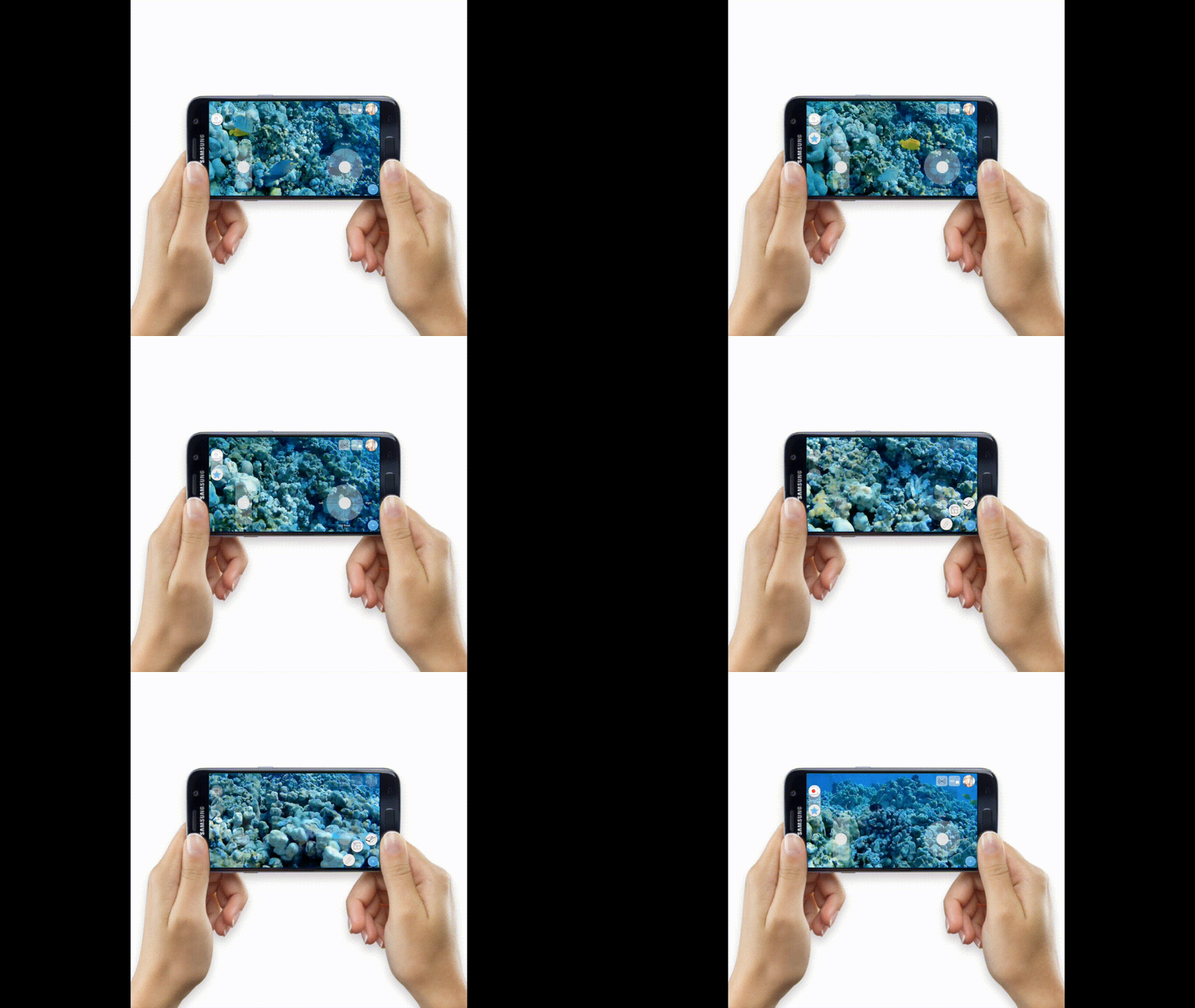
Adding Micro Interactions
Based on user testing, we prioritized adding foundational features that would meaningfully improve the user experience within the constraints of the MVP.

Staring
I proposed a real-time starring feature to help users quickly save and revisit key moments during long recordings.

Hidden Menu
Secondary controls were placed in a hidden pop-up menu to prevent clutter in the cockpit view.

Summary
This project explored designing a beginner-first control experience for an underwater drone with over 3,000 pre-orders. Through real-world field testing and iterative user research, we validated an intuitive controller layout. These insights shaped an MVP with simplified controls, a hidden menu, and real-time markers for saving key moments.
Next Steps
Run additional real-world user testing to assess the effectiveness of micro-interactions and refine the experience based on observed behavior.
Check out another project


